How to Download Pinterest Videos in HD (1080p & 720p)
The story behind Pinterest video quality is simple: you can only download the versions Pinterest actually uploaded. This guide explains how PinSaver finds the highest available quality for a pin, and which resolution you should pick for your screen and your storage.
Where the quality comes from
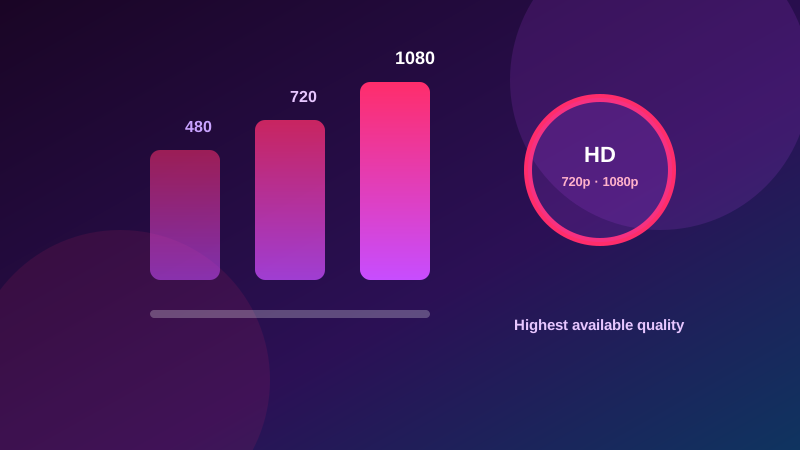
Every Pinterest video pin is served in one or more MP4 versions. When a creator uploads a video, Pinterest typically produces a few versions — commonly 480p, 720p, and 1080p, depending on the source. The resolutions available depend entirely on the source the creator uploaded. A video recorded in 720p cannot magically become 1080p, and no honest downloader will pretend otherwise. If the source upload was HD, the pin usually exposes an HD version; if it was a quick phone snap, you may only get one or two options.
How PinSaver picks the best version
When you paste a pin link, PinSaver scans the public pin page and collects every MP4 file Pinterest exposes for it. Each file is labeled with its real quality, and the list is sorted from highest to lowest — so you always see at a glance whether a pin has a 1080p option. On a pin with several versions, you get the full menu; on a pin with a single file, you get that one. This is why the exact quality list changes from pin to pin: it always mirrors the source, never a guess.
1080p vs 720p vs 480p: which should you choose?
- 1080p — choose it when you want the full detail and have enough storage. Ideal for a workout, tutorial, or anything you'll watch on a large screen.
- 720p — the best all-round balance of sharpness and file size for most phones and tablets.
- 480p — the smallest file, perfect for slow connections, tight storage, or quickly sharing with someone via your favorite messaging app.
Checking a pin before you download
Make sure you're copying the link from the pin's Share menu (a clean pin.it or pinterest.com/pin/ URL), because a messy feed URL can point to the wrong thing and return less useful results. A public, playable pin always reads better than one shared through a search feed. Once the result appears, the download list itself shows every quality available for that pin — so check the list directly instead of judging by the preview.
Storage tips for HD downloads
HD videos take more space, so check your device's free storage before grabbing several at once. On iPhone, clean up old Downloads in the Files app. On Android, the Downloads folder can grow quietly — sort by size and delete clips you no longer need. A tidy device keeps your HD Pinterest library a pleasure to browse. If you are saving a whole board for a trip, preferring 720p over 1080p usually saves a lot of space with almost no visible difference on a phone screen.